
Add a Livery to a FiveM Car With Other Mods in One ZIP
You can now add a livery to a FiveM car in the same Vehicle Studio build as your other changes. Open the Livery Studio on the car you already uploaded, or bring a saved project or finished PNG sheets, and the liveries go into the same order and the same ZIP as your lights, rims or exhaust. The price is 1 credit per build, whatever the number of liveries. Seen in game: the liveries show and follow the body, and the lights flash on Studio police builds. POLICE and TAXI door text came out whole and well placed in game.
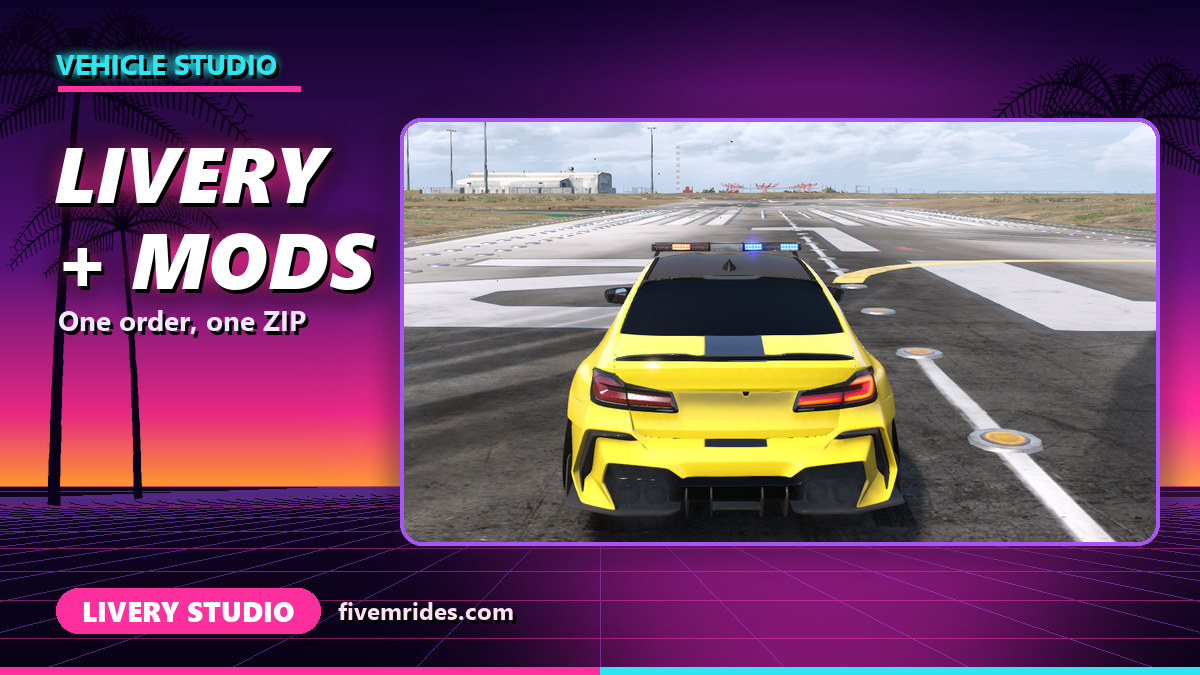
- Tool: Livery in the FiveMRides Vehicle Studio, connected to the Livery Studio. Price: 1 credit per build, the same as a Livery Studio export.
- One order, one ZIP: the liveries are built with the car and its other add-ons, with no second upload.
- Three ways in: paint on this car in the Livery Studio, pick a saved Livery Studio project, or import finished square PNG sheets.
- Tip: the Studio warns you “Cut in game” before export when a text or logo touches glass, a wheel arch or a door gap. Move it until the warning goes away.
Why bring the livery into the Vehicle Studio?
Before, a livery and the other car changes were two separate jobs: you edited the car in one tool and made the livery in another, then had to merge the files. A livery needs a texture slot on the car and a liveries entry in the vehicle data, and so does anything else that touches the same files. Doing it in one build lets the Studio apply the livery in the right order, after the parts and before tint and plate, on the car as it stands at that step.
How do the liveries get into the build?
| Path | What you do | Good for |
|---|---|---|
| Paint on this car | Open the Livery Studio from the Vehicle Studio on the car you already uploaded, paint, then press “Send to Vehicle Studio” | A new livery for this car |
| Saved project | Pick a Livery Studio project saved in this browser for this car, and finish it | Coming back to a livery you started |
| Import PNG sheets | Import finished square sheets of 1024 or 2048 pixels, all the same size | Sheets painted in your own editor |
You can send up to 8 liveries in one build. The 3D preview shows them projected on the paint of the car from six views, and it is approximate: the build is what counts. The car’s own liveries, if it has any, are replaced by yours.
What cannot be combined with a livery?
- Barn find wear: refused in the same build, with a clear message.
- Fleet stripe or fleet liveries: refused too. One livery set per car, because two projections cannot share the slot. Fleet unit numbers on their own are fine.
- Another car: sheets must match the car and the same size, and only PNG files are accepted.
Other add-ons such as lights, rims, tint, LED strips and the wave add-ons can share the build.
How do I add a livery to a FiveM car with other mods?
- Upload your car. Open the Vehicle Studio and upload a vehicle you have the right to modify. Add the other changes you want first.
- Open the Livery tool. Pick it in the left rail and choose a path: paint on this car, a saved project, or PNG import.
- Paint and send. In the Livery Studio, paint your livery, then press “Send to Vehicle Studio”. The sheets come back into the build and the preview.
- Check the build. “Your build” shows a line “Liveries: N”. Fix any “Cut in game” warning before you build.
- Build and install. Download one ZIP with the car, the liveries and your other changes, and add it to your server.
What we saw in game
On a police sedan test car with a Taxi and a Police livery, both liveries showed in game and followed the body. Two issues came out of that test. First, the light bar did not flash: the cause was a data file entry that the police lights step wrote but did not list for the client, and after a fix in the build step the lights flash in game on Studio police builds. Second, the POLICE and TAXI text and a checker pattern looked stretched near the front door and fender. That was fixed: the door text is now whole and well placed in game, and the Studio warns you when a text would be cut by a window, an arch or a door gap.
Limits
- The pipeline was tested on a test car with lights and two liveries (built in about 50 seconds). In game we have seen the liveries following the body and the lights flashing on Studio police builds.
- The Livery Studio and the Vehicle Studio warn “Cut in game” when a text or logo touches glass, a wheel arch or a door gap. What the preview shows is what the game shows, so fix the warnings before you export. Other cars were not tested.
- Opening the Livery Studio from the Vehicle Studio keeps your uploaded car on the build server longer than the usual 30 minutes, up to 24 hours.
- Livery Studio projects saved in your browser are available in that browser only.
- PNG import assumes the default body layout of the Livery Studio, which the preview shows.
- Text or a logo placed over glass, a wheel arch or a door gap is cut in game, which is why the warning exists.
Livery in the Vehicle Studio questions
How do I add a livery to a FiveM car along with other mods?
Add the livery in the Vehicle Studio with the other changes, and build once. The liveries go into the same ZIP as your lights, rims and other add-ons.
How much does it cost?
1 credit per build, the same as a Livery Studio export, whatever the number of liveries (up to 8). The preview is free.
Do I need to upload my car twice?
No. The Livery Studio opens on the car you already uploaded to the Vehicle Studio.
Can I use a livery I started in the Livery Studio?
Yes, if it was saved in the same browser for this car. You can also import finished PNG sheets of 1024 or 2048 pixels.
Why is my livery refused with barn find wear?
The Studio refuses barn find wear together with a livery and tells you why. The same goes for a fleet stripe livery.
Why is my livery text cut or stretched?
Text that touches a window, a wheel arch or a door gap is cut by the car’s geometry. The Studio warns “Cut in game” before export; move the text off those areas and the preview matches the game.
Will the light bar still work on a police car?
Yes. In our first game test the light bar did not flash because of a missing file entry. That is fixed, and the lights flash in game on Studio police builds.