
FiveM Weapon Skin Not Showing? 8 Fixes, in the Order to Check Them
When a custom FiveM weapon skin does not show, the cause is almost always one of four things: the resource is not actually running, the client still has old files or was not reconnected, the skin component was never registered, or the game is not using the weapon the skin lives on. Below are eight checks in the order to do them, including two traps we hit ourselves while testing: components defined under the wrong tag, and a resource restart that crashed a connected player.
- Check first: the folder is directly in
resources,ensureuses its exact name, and the server console shows no error for it. - Then: restart the server and reconnect, and clear your FiveM cache if file names did not change.
- Never restart a weapon resource while players are online. It can crash their game.
- Skins mode: give the add-on weapon (
WEAPON_plus the resource name in capitals), not the vanilla one, then apply the component. - Components refused: they must be under
Infosinweaponcomponents.meta, notData.
8 fixes, in the order to check them
1. The resource is not running, or the folder is wrong
The resource folder must be directly inside resources (or inside a category folder written in square brackets), with fxmanifest.lua at its top level. A ZIP that unpacks into a folder inside a folder is the classic mistake: the manifest sits one level too deep and FiveM never sees the resource. Check that server.cfg has ensure followed by the exact folder name, spelled the same, and watch the console at start: “Couldn’t find resource” means the name or the place is wrong, and an error for that resource means a broken manifest or file.
2. The file names do not match (replace mode)
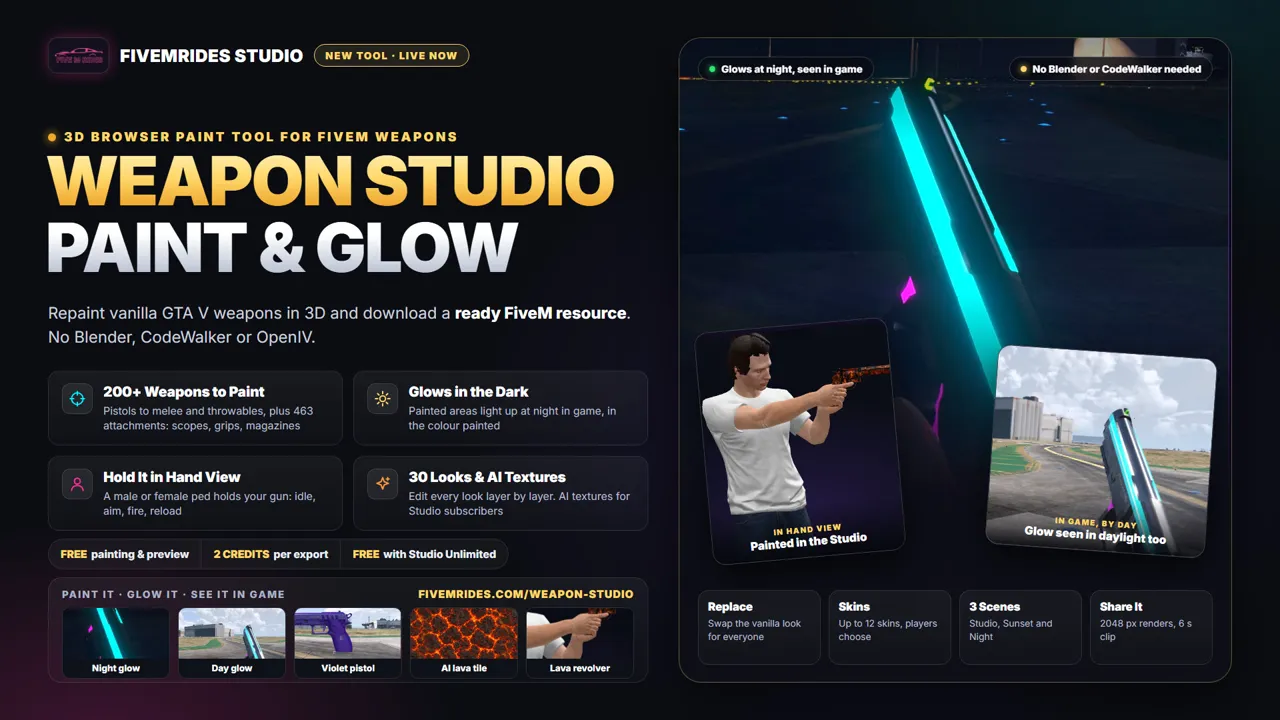
Replace mode works because your texture dictionary has the same name as the one the weapon already uses, so the game loads yours instead. A renamed file, a missing sheet or a texture dictionary for a different weapon does nothing. If you made the pack by hand, compare the names with the weapon’s original. Packs from the Weapon Studio keep the game’s names for you.
3. Cache or no reconnect
The game reads weapon data when it connects. After adding or updating a pack, restart the server and reconnect. If you replaced files that keep the same names, a player may keep seeing the old look from their cache: clear the FiveM cache (the server cache folders in the FiveM application data) and reconnect to force a fresh download. A player who already loaded the weapon in the current session can also keep the old texture until they reconnect.
4. You restarted the resource with players online
This is not just a “skin not showing” cause, it is a crash risk. In our own test, restarting a resource that contained weapon data while a player was connected, with the add-on weapon in their inventory, crashed that player’s game about a second later, right after the client unloaded the weapon file. Do not stop or restart a weapon resource on a live server. Install it, then restart the server or have players reconnect.
5. The skin components are under Data instead of Infos
If you write or edit weaponcomponents.meta by hand, the component items must go under Infos. Data only holds swap data. Put them under Data and the file loads, the client log even says it finished loading it, and no error appears, but nothing is registered: DoesWeaponTakeWeaponComponent returns false and the weapon keeps its vanilla look. The tell is that the component’s model hash comes back as 0. Move the items to Infos, and make sure each component is also listed on the weapon’s attach point. Packs from the Weapon Studio have both right.
6. You are giving the vanilla weapon, not the add-on weapon (skins mode)
Skins mode does not touch the vanilla weapon: the skins belong to an add-on weapon named WEAPON_ plus your resource name in capitals, such as WEAPON_MY_PISTOL_SKINS. Give that weapon, then apply COMPONENT_<RESOURCE>_SKIN1 and so on. Giving WEAPON_PISTOL and applying the component fails, and so does a weapon wheel, gun shop or inventory item that still points to the vanilla name. The README in the ZIP lists the exact names. We also found that patching a vanilla weapon’s attach points from a resource did not work in our tests, so do not expect a component to be accepted by WEAPON_PISTOL.
7. A tint is hiding the paint, or a script sets one
A vanilla tint is a colour palette row, not a texture. Exported weapons use a white palette so your paint shows as painted, so a tint index is not what makes a custom skin. If a script or gun shop sets a tint and the weapon looks different from your design, set the tint back to the default to compare. Gun shop tint changes no longer recolour an exported weapon, by design. In our test, tint 2 on a skinned weapon left the skin as painted.
8. Another resource is in the way
Two replace packs for the same weapon fight, and the last one loaded wins. A server’s own weapon resource can also change the same model or define the same weapon. Stop the others one at a time on a test server to find the clash. Also note that a script that applies a custom image on the player’s own game only shows it to that player, so a skin that others cannot see may come from such a script and not from a resource.
Using a design from the Community? A remix exports like any other design, so the same eight checks apply. There is no ZIP to download from the gallery: you export your own resource from the remix.
Questions about weapon skins not showing
Why is my FiveM weapon skin not showing?
The usual causes are a resource that is not running (wrong folder or name in the ensure line), a client that still has the old files cached or was not reconnected, a skin component that was never registered, or the add-on weapon not being the one given to the player. Work through the eight checks in order.
Is it safe to restart a weapon resource while players are online?
No. In our own test, restarting a resource that contained weapon data while a player was connected crashed that player's game about a second later, with the add-on weapon in their inventory. Install the resource, then restart the server or have players reconnect.
Why does the game say a weapon takes no skin component?
The component was never registered. A weaponcomponents.meta that puts the component items under Data instead of Infos loads without any error and registers nothing, so DoesWeaponTakeWeaponComponent stays false. Components also have to be listed on the weapon's attach point. Packs from the Weapon Studio have both right.
Why does my skinned weapon look the same as before?
Either the vanilla weapon is being given instead of the add-on weapon, so no skin can apply, or another resource streams the same model and wins. In skins mode the skin lives on a new weapon named after the resource, not on the vanilla weapon.
Do weapon tints override my custom paint?
A vanilla tint is a palette recolour, not a texture. Exported weapons use a white palette so your paint shows as painted, and in our test tint 2 on a skinned weapon left the skin as painted. If a script sets a tint and the weapon looks different, set the tint back to the default to compare.