
FiveM Car Builder Online: Save Projects and Share a Link
A FiveM vehicle editor that you can close and come back to needs a way to save your work. In the FiveMRides Vehicle Studio you can now save a build as a project and resume it later, and share a link to the settings with a friend or your team. A project stores the settings only. Your car files are never stored or shared, and a share link opens the settings on the visitor’s own copy of a car. It is free.
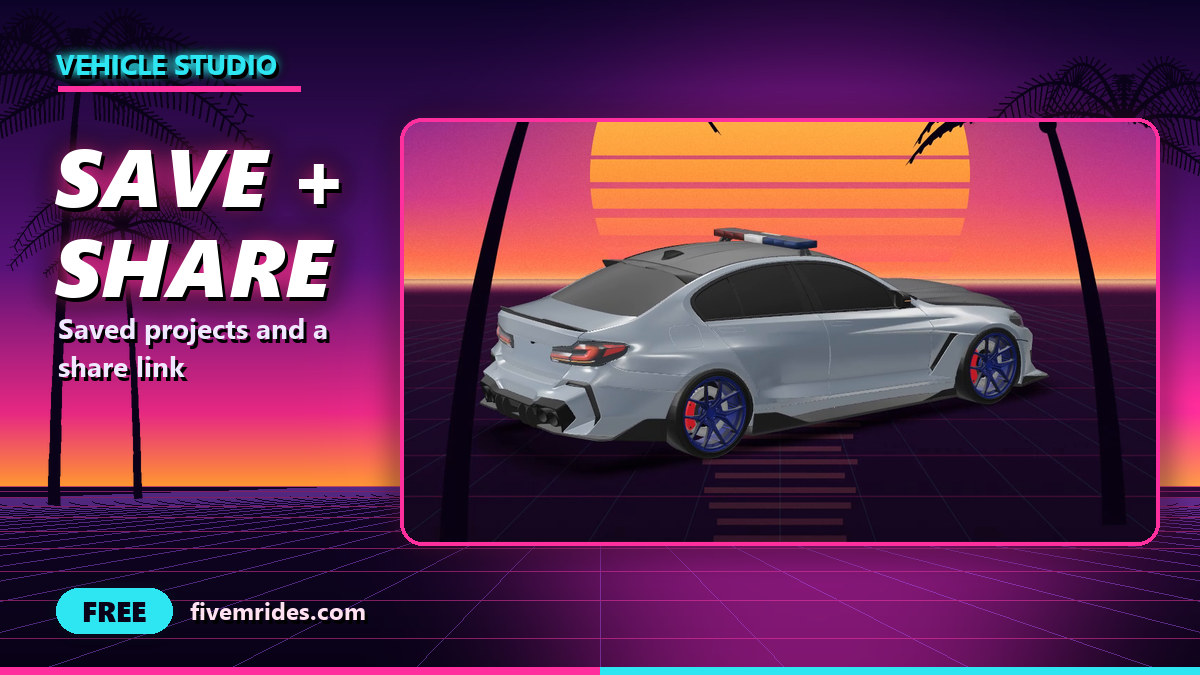
- Tool: Projects in the FiveMRides Vehicle Studio. Price: Free.
- What is saved: the Studio settings (paint, options, every add-on), the name and size of the car file and a small thumbnail. Never the car files themselves.
- Limits: up to 50 projects per member, with autosave while you edit.
- Share link: a private, revocable, read-only page of the build list. “Use this build on your car” opens the Studio with those settings, and the visitor uploads their own car.
What does a saved project contain?
A project is the Studio configuration plus the identity of the car you used: its file name, size, a fingerprint of the file where it is small enough, and the model names. You can add a thumbnail, for example a still frame from the showcase video. We never store your car, because mods can be paid or licensed, and your build server files expire after about 30 minutes anyway. To resume, you upload the car again.
| Action | What it does |
|---|---|
| Save, rename, duplicate, delete | Manage up to 50 projects in “My projects”. Names are plain text |
| Autosave | While you edit, the Studio saves your settings to the project every few seconds, on top of the autosave already kept in your browser |
| Resume | Open a project and upload the car again |
| Share link | Create a private link, and revoke it any time |
What happens when I resume with a different car?
When the car matches the saved identity (same file name, size and fingerprint, same model names), everything is re-applied in one undo step. When it does not match, the Studio warns you and applies only the settings that do not depend on the car: paint, rims, sound, handling, tint, plate, brakes, wraps, drift handling and similar. It lists what it skipped, such as positioned parts and seats. You can choose “Apply everything anyway” if you know the two cars share the same layout.
How does the share link work?
The link carries a random token. The page it opens is read-only and shows the build list and thumbnail, with no name, email or file name of the owner. It tells search engines not to index it, and it cannot be found on the site. A button, “Use this build on your car”, opens the Studio with those settings and the visitor uploads their own copy of a car, so nothing about your car travels with the link. Guests who press it are asked to log in first. The link stops working when you revoke it or delete the project, and views are rate limited.
How do I save a FiveM vehicle project and share it?
- Log in and open the Studio. Open the Vehicle Studio and upload your car. Guests can try the panel but need an account to save.
- Save the project. Open Projects in the left rail and save your build with a name. Autosave then keeps it up to date.
- Come back later. Open “My projects”, pick the project and upload the car again. If it matches, everything re-applies.
- Share it. Press Share to create a link and copy it. Revoke it from the same place when you no longer want it open.
- Use a shared build. Open the link, press “Use this build on your car” and upload your own car.
Limits
- Built and tested with our own automated checks (server rules, two accounts kept apart, sharing, revoking, deleting, size caps, rate limit, and a browser run). It has not been used by customers yet.
- A project holds at most 512 KB of settings. Pictures you add inside a tool (a banner or a fleet logo) are kept by name only, as in the browser autosave, so add them again.
- Paint finish picks are saved, but the “badges removed” picks of the debadge step are not.
- For files over 64 MiB the identity is the size and model names only, so a match is less strict.
- The camera position is restored only when you resume with the same car.
- Anyone with a share link can see the build list until you revoke it. Do not share a link you want to keep private.
Saved project questions
Can I save my work in the FiveM vehicle editor and come back later?
Yes. Log in, save the build as a project in the Vehicle Studio and resume it from My projects. You upload the car again, because we do not keep car files.
Do you store my car files?
No. A project holds only the settings, the car’s file name, size and model names, and an optional thumbnail.
Can I share a FiveM car build with a friend?
Yes, with a share link. It opens a read-only page of the build list, and “Use this build on your car” loads the settings onto the visitor’s own car.
Does the share link include my name or my car?
No. The share page shows no name, email or file name, and the car files are never shared.
Can I stop sharing?
Yes. Revoke the link or delete the project and it stops working.
What if I resume with a different car?
The Studio applies only the settings that do not depend on the car, lists what it skipped, and offers to apply everything anyway.
How many projects can I keep, and what does it cost?
Up to 50 projects per member. It is free.