
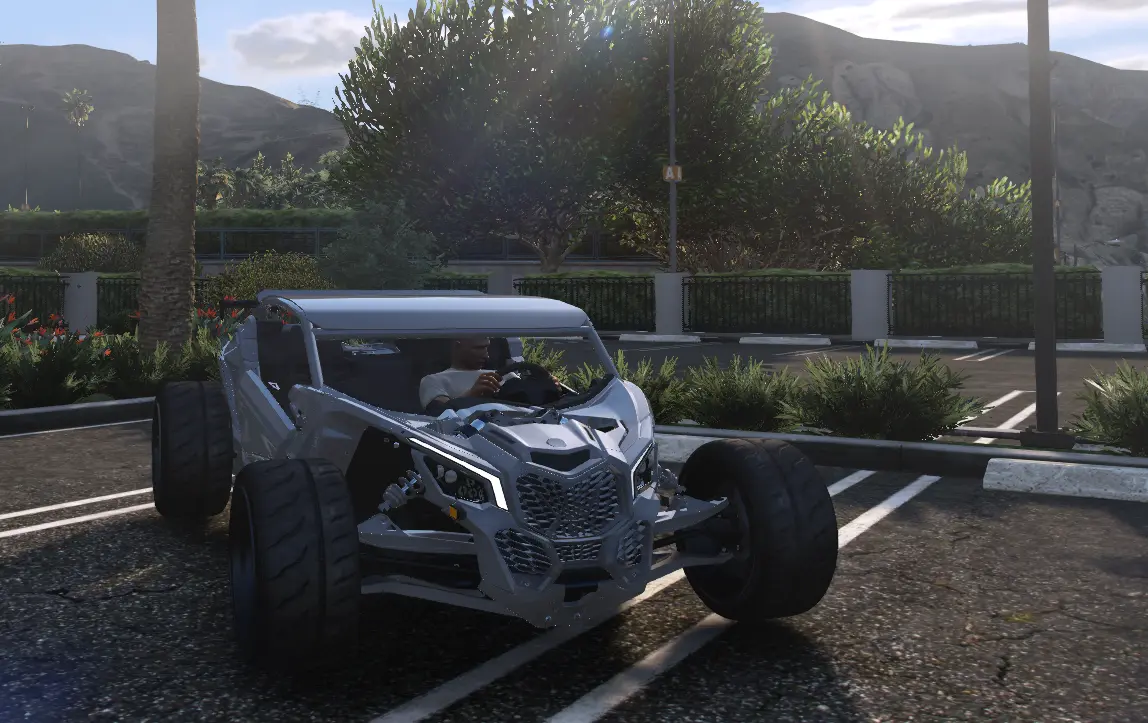
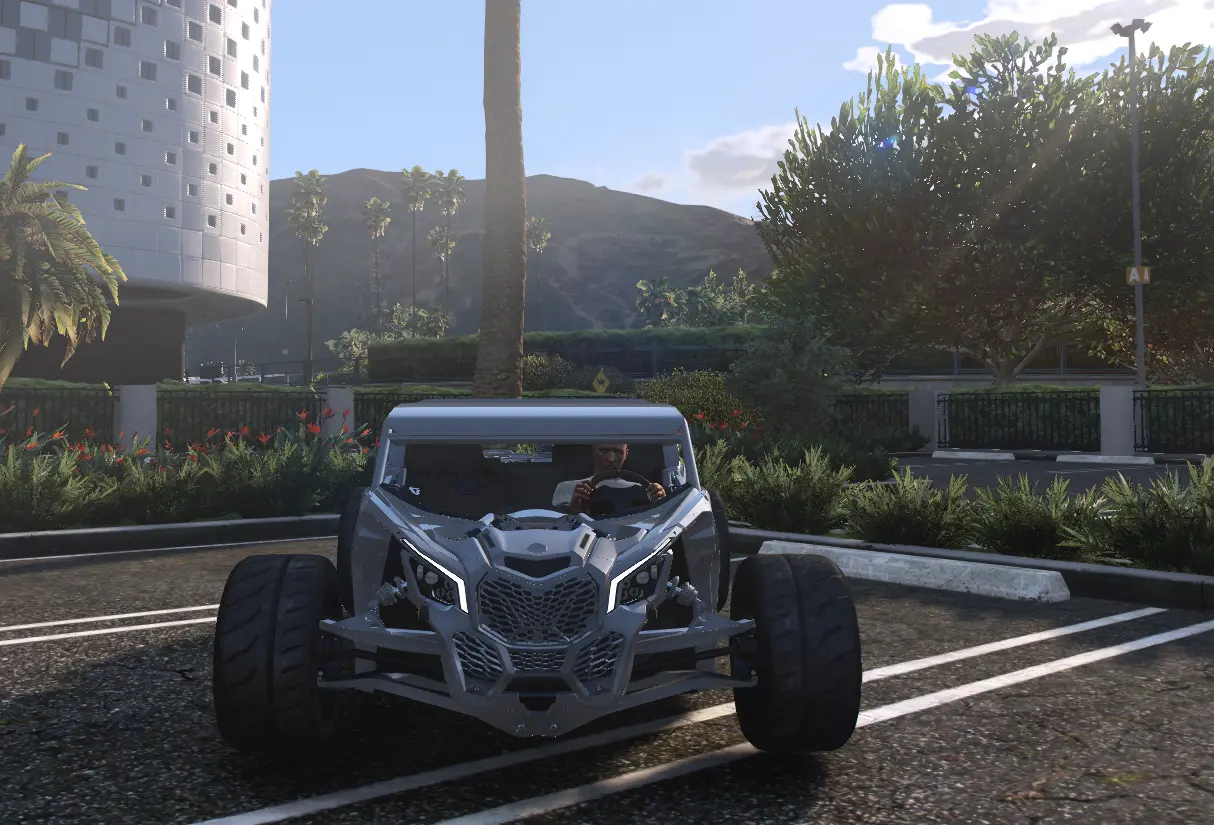
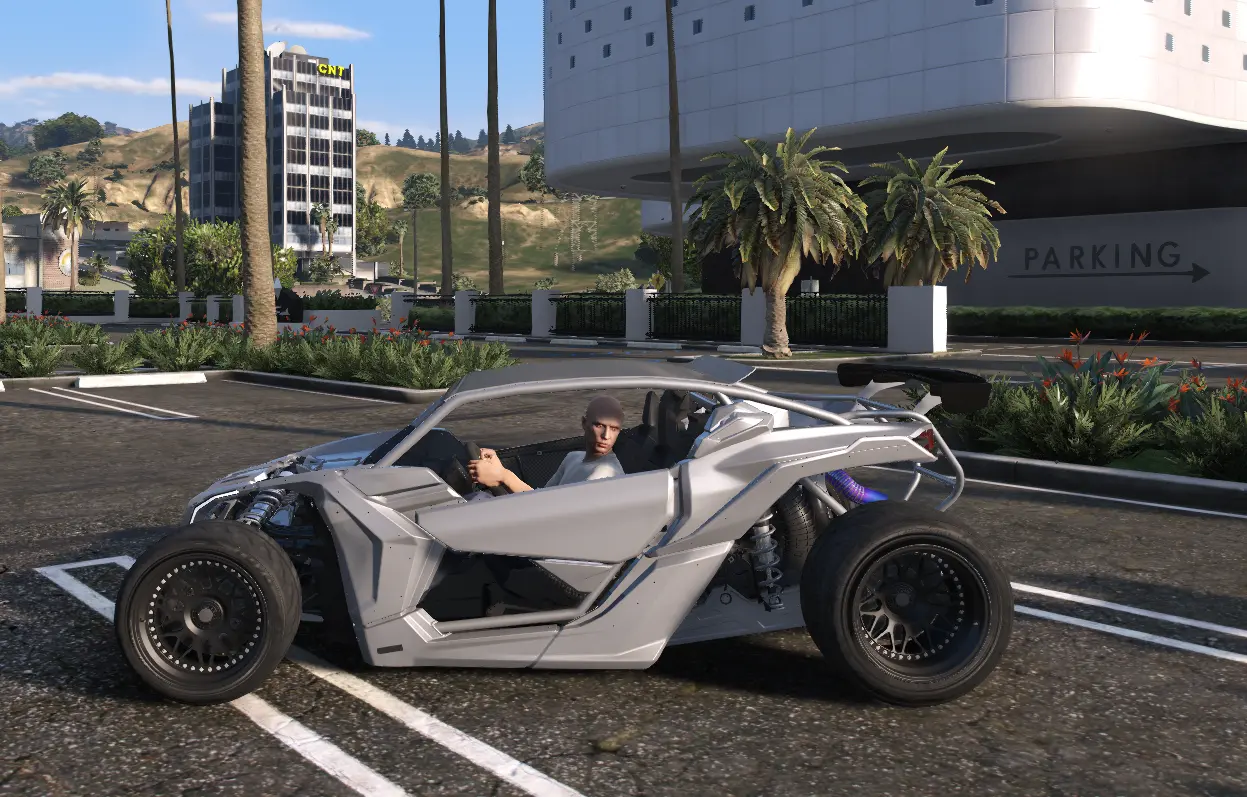
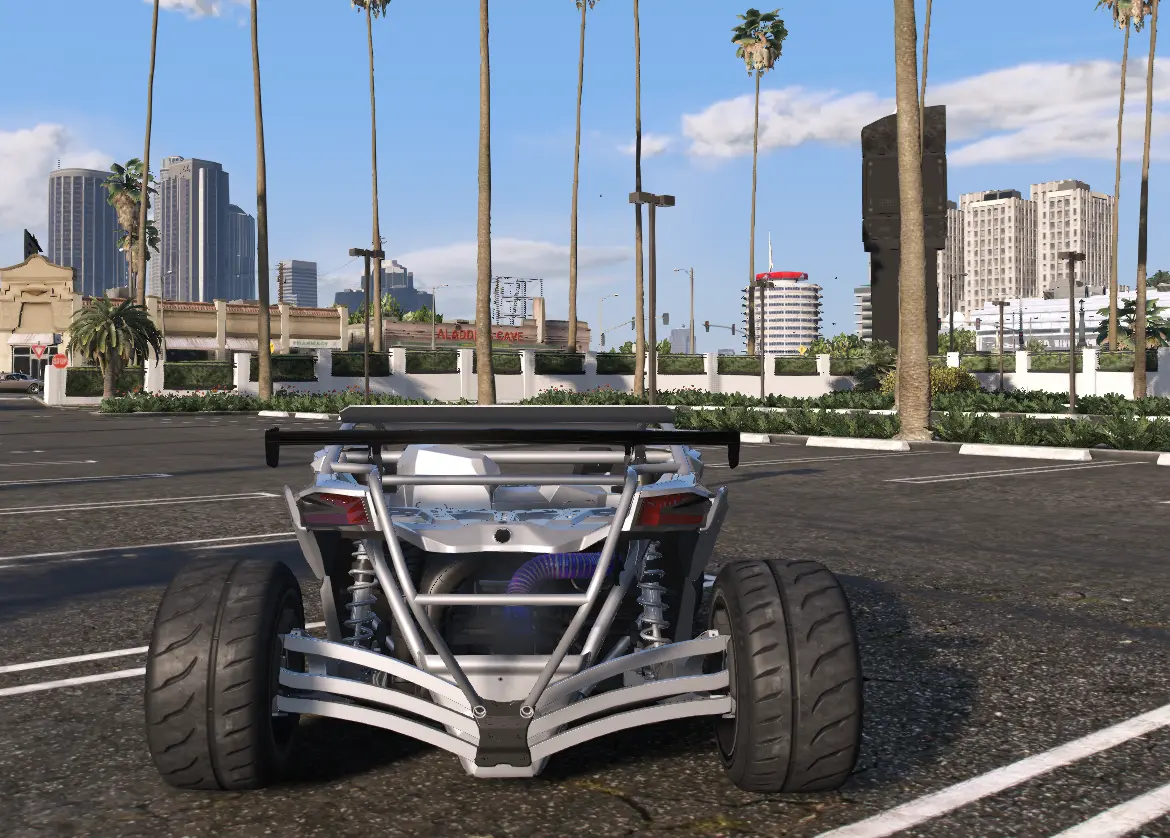
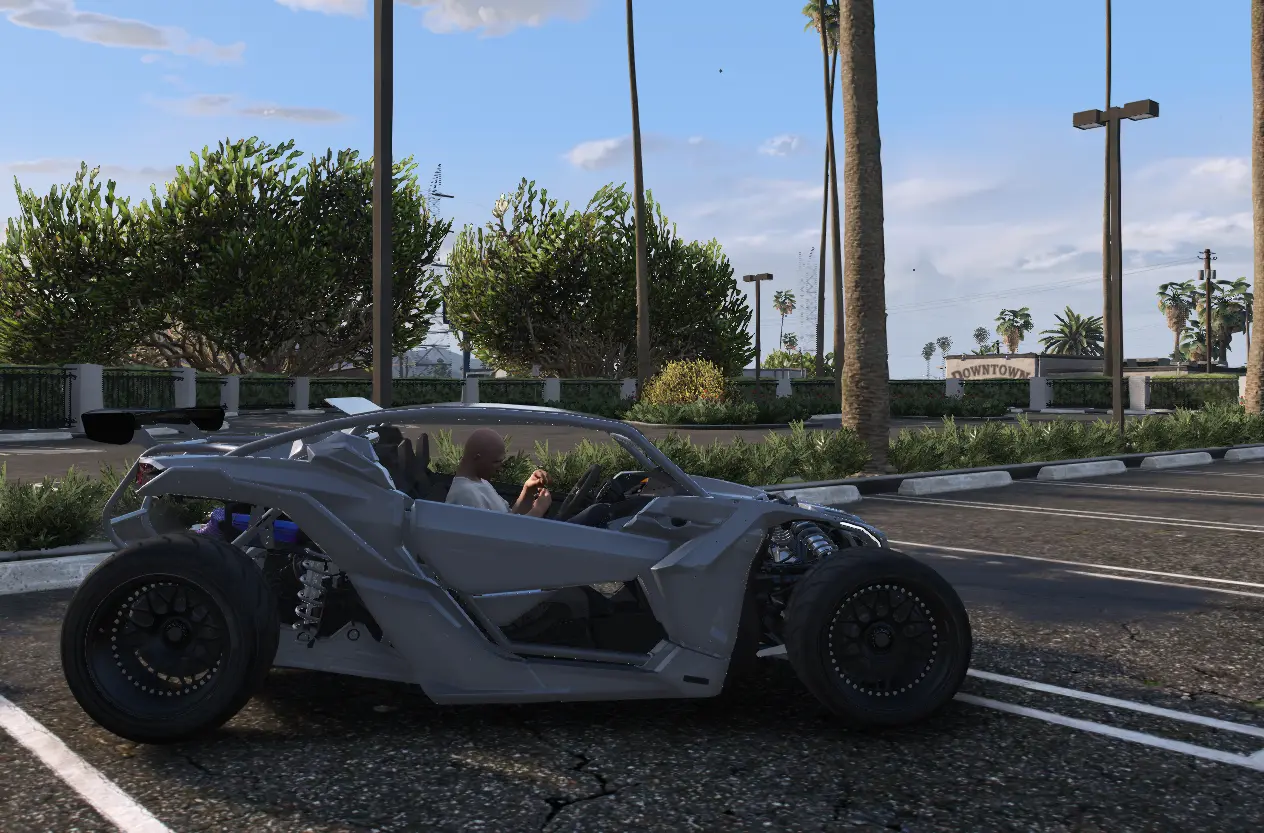
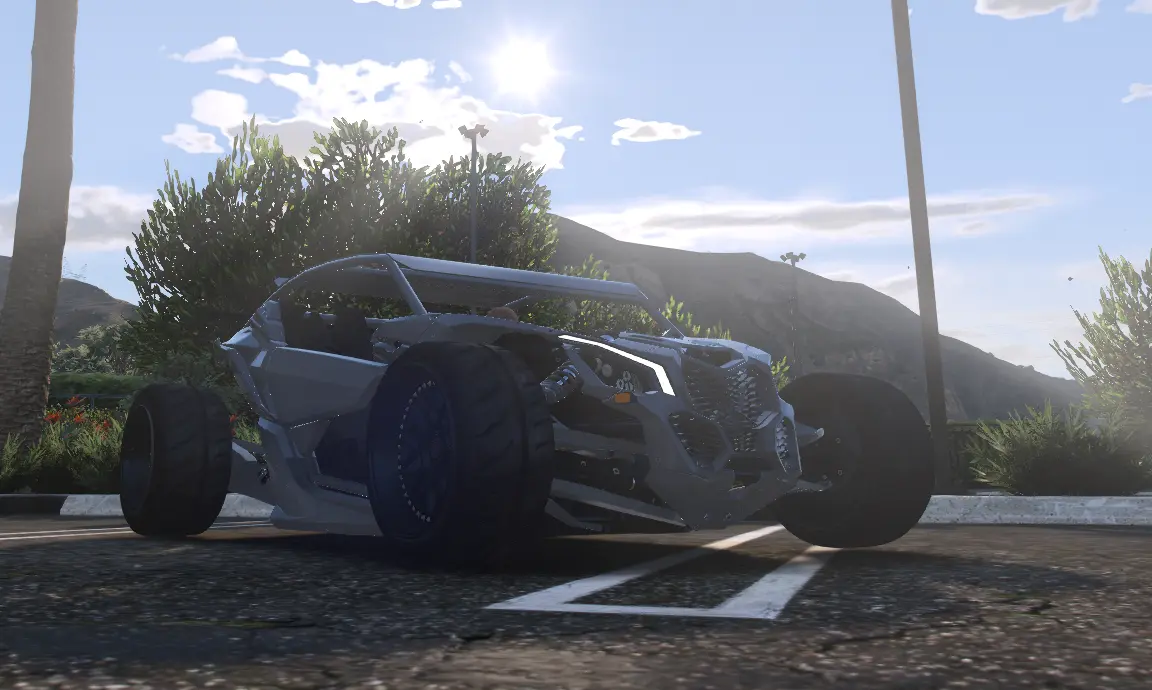
Can-Am X3 Cworks Custom for FiveM
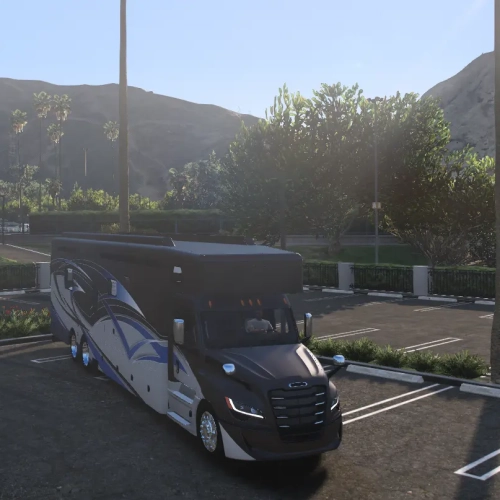
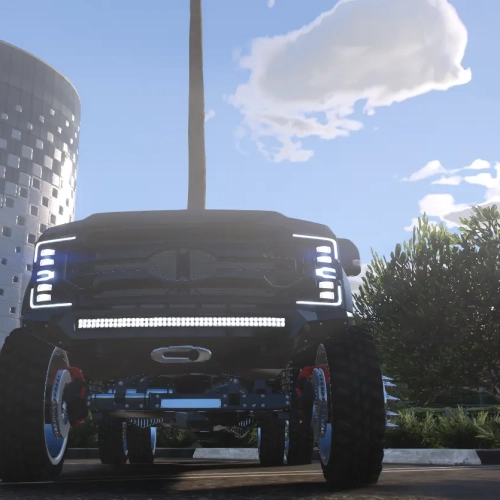
Add the Cworks X3 variant to your side-by-side selection. Use its own spawn code to keep it distinct from other X3 builds when arranging outdoor meets, a recreational dealership or a lineup for screenshots.
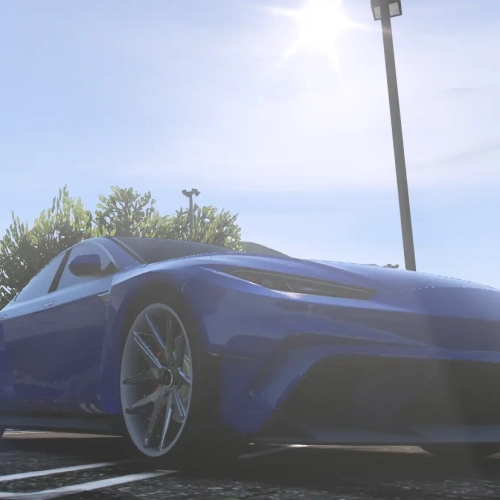
The Can-Am X3 Cworks Custom FiveM download contains one individually packaged side-by-side resource. Use cwx3 to select this version in your vehicle menu. The archive includes the supplied vehicle configuration and handling, so you can add it to your collection without rebuilding the package from loose files.
What is included
- One ZIP containing the
cwx3resource folder. - 2 YFT model files and 1 YTD texture file.
- Vehicle definitions, handling and variation metadata supplied with this build.
- The included
__resource.luaresource manifest.
Install this vehicle
- Download and extract the ZIP.
- Place
cwx3in your FiveM server’s resources directory. - Add
ensure cwx3to your server configuration. - Refresh and start the resource, then spawn
cwx3using your authorized vehicle menu.
For ownership or dealership purchases, register the spawn code in your existing garage or dealership configuration. Those server-specific systems are separate from the vehicle files.
Build your collection
Compare this version with the FiveMRides vehicle collection, or visit our installation guides for help organizing your resources.


Reviews
There are no reviews yet.