
QBCore & ESX Ready FiveM Car Packs
One Resource, Any Framework
Debadged, optimized car packs for QBCore, ESX, vMenu and standalone servers - 12 packs from $19.99. Each pack is one merged resource with a tested fxmanifest, unique modkit IDs, textures under 16 MB and engine audio, plus a spawn-name list ready to paste into your dealership config. Repaired or replaced if anything breaks.
Why These Packs Work on QBCore and ESX Alike
A FiveM vehicle does not know which framework you run. QBCore, ESX and vMenu all stream the same addon resource; the framework only decides how the car is sold and stored. What separates a pack that works from one that costs you a weekend is the packaging.
One merged resource per pack
A single folder, one fxmanifest.lua, one ensure line. The manifest declares carvariations.meta after vehicles.meta - the order that keeps liveries, sirens and tuning attached after a restart.
Unique modkit IDs
Every car in a pack gets its own validated modkit ID. Duplicate IDs are what break tuning menus and make bumpers vanish; they are the most common defect in community bundles, and we clear them before a pack ships.
Textures under 16 MB per YTD
FiveM drops textures or spawns a tanker when a YTD passes 16 MB. Each texture dictionary is compressed below that line with per-type compression, so a 50-car pack stays inside your players’ VRAM.
Engine audio and lowercase stream/
Cars keep their engine sounds where the model has them, and every stream folder is lowercase - a capital Stream/ spawns fine on Windows and fails silently on a Linux host.
Car Packs for QBCore and ESX (12)
Starter packs for a new server first, then the best-selling mega packs. Prices are live. Automatic multi-pack savings: 2 packs -10%, 3 or more -15%. Coupon codes do not apply.
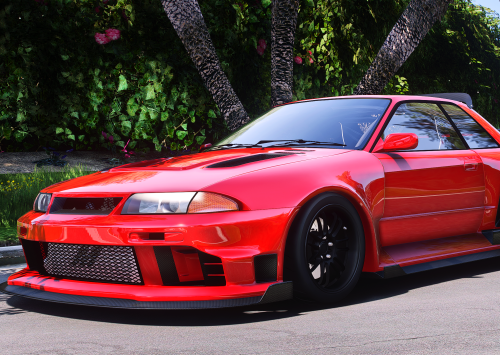
Drift Starter Pack (5 JDM Builds)
Original price was: $52.00.$24.99Current price is: $24.99.
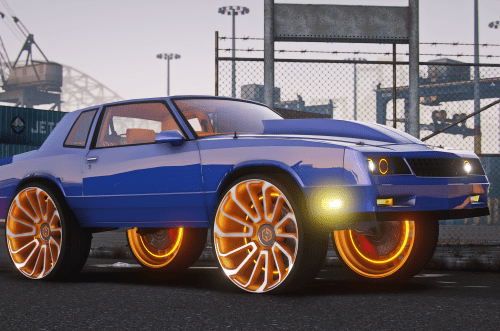
Donk & Lowrider Starter Pack (5 Builds)
Original price was: $52.00.$24.99Current price is: $24.99.
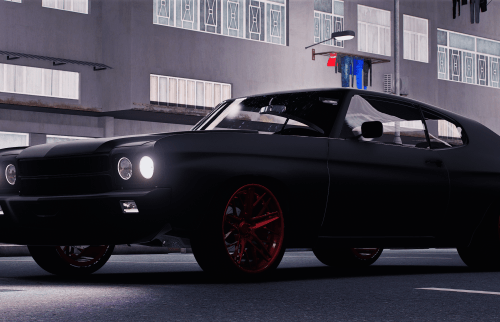
American Muscle Starter Pack (5 Classics)
Original price was: $58.00.$24.99Current price is: $24.99.
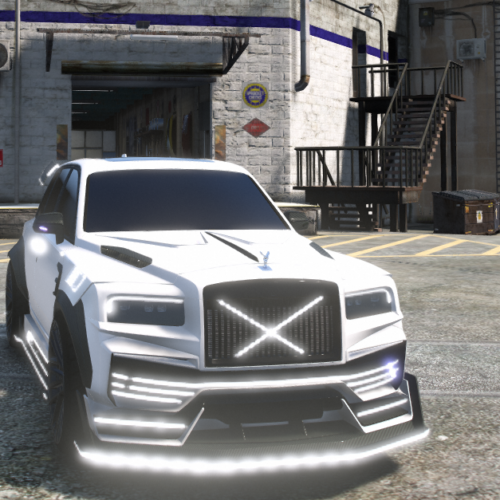
Luxury SUV Starter Pack (4 Best Sellers)
Original price was: $46.00.$19.99Current price is: $19.99.
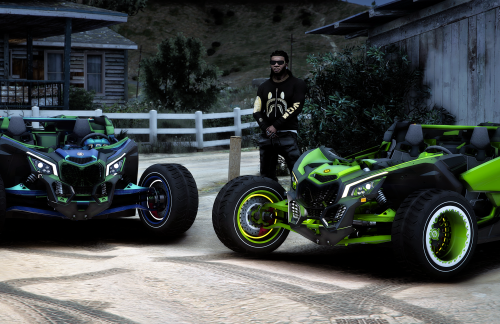
Off-Road Toys Pack (5 ATVs, Dirt Bikes & Trucks)
Original price was: $52.00.$19.99Current price is: $19.99.

Supercar Starter Pack (5 Hypercars)
Original price was: $58.00.$29.99Current price is: $29.99.
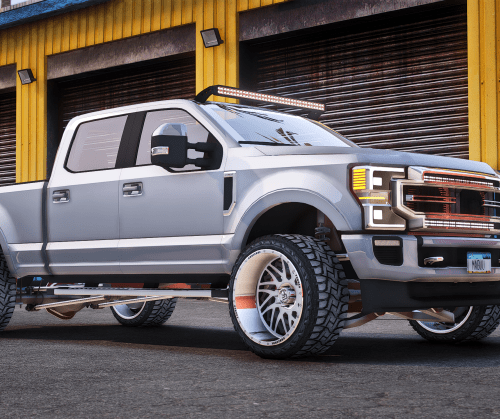
Truck Yard Pack (6 Pickups & Work Trucks)
Original price was: $72.00.$29.99Current price is: $29.99.
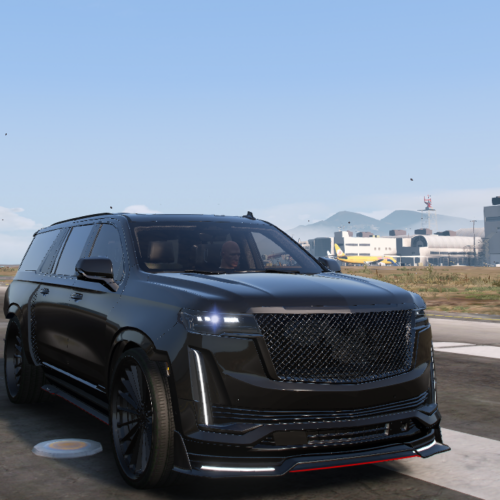
Best Sellers Mega Pack (50 Vehicles)
Original price was: $592.91.$199.99Current price is: $199.99.
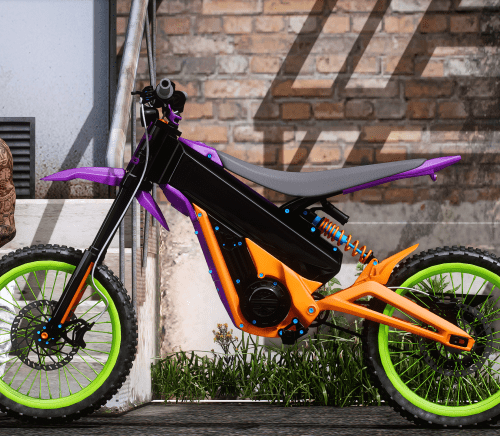
Best Sellers Mega Pack Vol. 2 (50 Vehicles)
Original price was: $602.88.$179.99Current price is: $179.99.
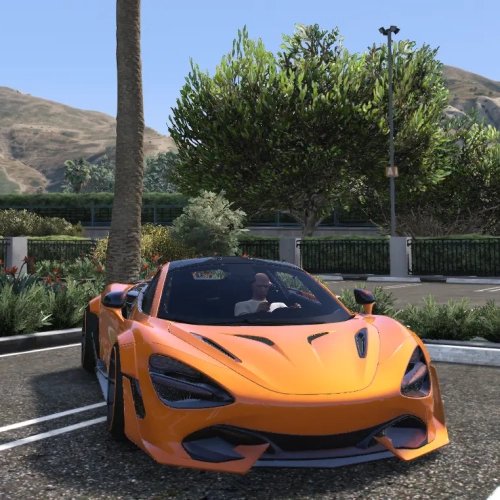
Custom Builds Pack (20 SEMA-Style Vehicles)
Original price was: $299.80.$99.99Current price is: $99.99.
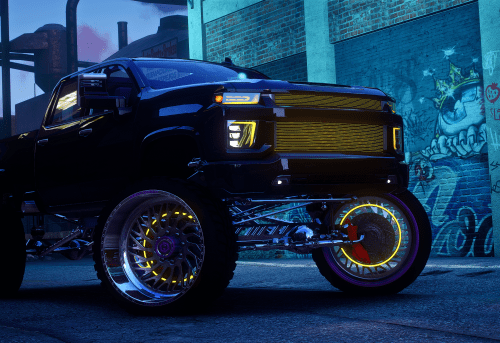
Lifted & SEMA Trucks Pack (10 Vehicles)
Original price was: $123.98.$49.99Current price is: $49.99.
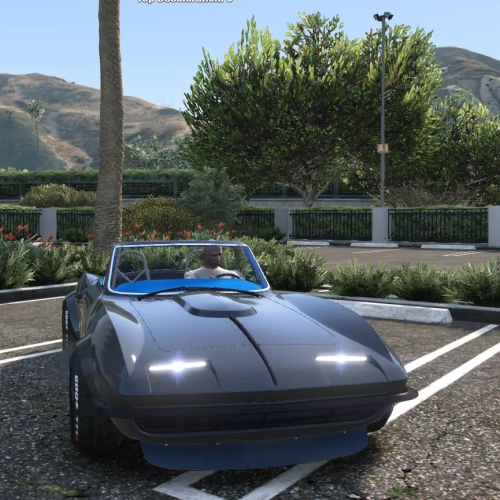
Classic Restomod Pack (10 Vehicles)
Original price was: $143.92.$49.99Current price is: $49.99.
Adding a Pack Car to Your Dealership
Three steps: ensure the resource, then register each spawn name in your framework. The spawn names ship in the pack documentation; the examples below use fmr_r34 as a placeholder.
# server.cfg - the pack is one resource folder in resources/
ensure fmr_starter_pack

# fxmanifest.lua inside the pack (already written and tested):
# files { 'data/**/*.meta' }
# data_file 'HANDLING_FILE'          'data/handling.meta'
# data_file 'VEHICLE_METADATA_FILE'  'data/vehicles.meta'
# data_file 'VEHICLE_VARIATION_FILE' 'data/carvariations.meta'  -- after vehicles.meta
# data_file 'CARCOLS_FILE' 'data/carcols.meta'-- qb-core/shared/vehicles.lua (one entry per spawn name from the pack docs)
['fmr_r34'] = {
['name'] = 'Skyline R34 GT-R',
['brand'] = 'Debadged',
['model'] = 'fmr_r34',
['price'] = 85000,
['category'] = 'sports',
['hash'] = `fmr_r34`,
['shop'] = 'pdm',
},The backtick hash is a Lua hash literal; keep it identical to model. Restart qb-core and qb-vehicleshop after editing, or the shop reads the old table.
-- ESX: one row per spawn name in the `vehicles` table
INSERT INTO `vehicles` (`name`, `model`, `price`, `category`)
VALUES ('Skyline R34 GT-R', 'fmr_r34', 85000, 'sports');
ESX reads the vehicles table on start, so run the insert then restart esx_vehicleshop. If a car spawns from /car but not from the shop, the entry is the problem, not the resource - see the car-not-spawning guide for the reverse case.
Building your own bundle from cars you already own? The Carpack Builder merges them into one resource with the same manifest rules, and the Optimizer brings oversized textures under 16 MB.
QBCore & ESX Pack Questions
Is there a separate QBCore version and ESX version of each pack?
No, and you do not need one. The pack is a standard addon resource that streams the same way on every framework. Only the dealership entry differs: a Lua table for QBCore, a SQL row for ESX, nothing at all for vMenu.
Where do I find the spawn names?
Each pack includes a spawn-name list in its documentation, matching the modelName in vehicles.meta. Copy them into shared/vehicles.lua or the vehicles table as shown above.
Will a pack conflict with cars my server already runs?
Packs use unique spawn names and validated unique modkit IDs, so they coexist with existing addon cars. If a tuning menu breaks after install, a duplicate modkit ID elsewhere in your resources is the usual cause, and the guide shows how to find it.
What if a car in the pack does not spawn or loses a part?
We repair or replace it, usually the same day. Bring the resource folder and your server console output to Discord and you leave with a working car.
Fill the Dealership Tonight
From $19.99. One resource per pack, spawn names included, repaired or replaced if anything breaks.
Instant delivery • 2 packs -10%, 3+ -15% • Install guide